Tuesday, December 20, 2011

Scribbles for Gmail for mobile - a creative way to email

From prehistoric humans etching in caves to the modern-day thinker sketching a stroke of genius on a napkin, scribbling is a natural form of human expression. Not constrained by formatting or font styles, scribbling is a versatile outlet for expressing individuality and creativity. Not to mention it's a lot of fun.

Now you can quickly convey that eureka moment to a colleague, or simply brighten a loved one's day with a personal scribble in Gmail for the mobile web browser and the Gmail app for iOS. In the compose view, click on the scribble button to open up the drawing window. A lightweight interface makes it easy to get your idea down.

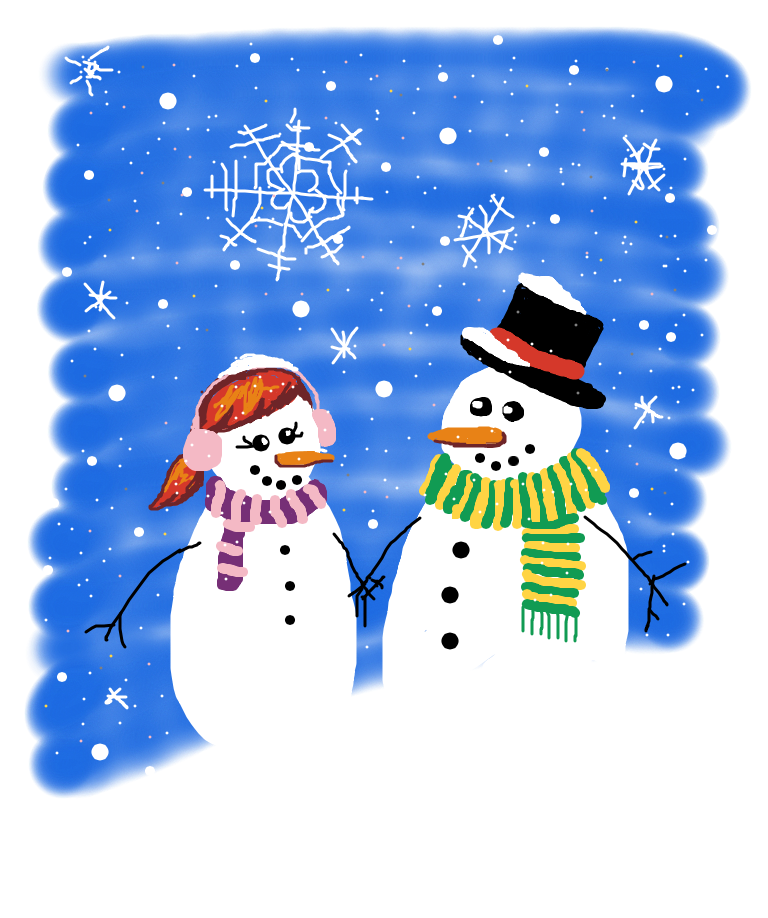
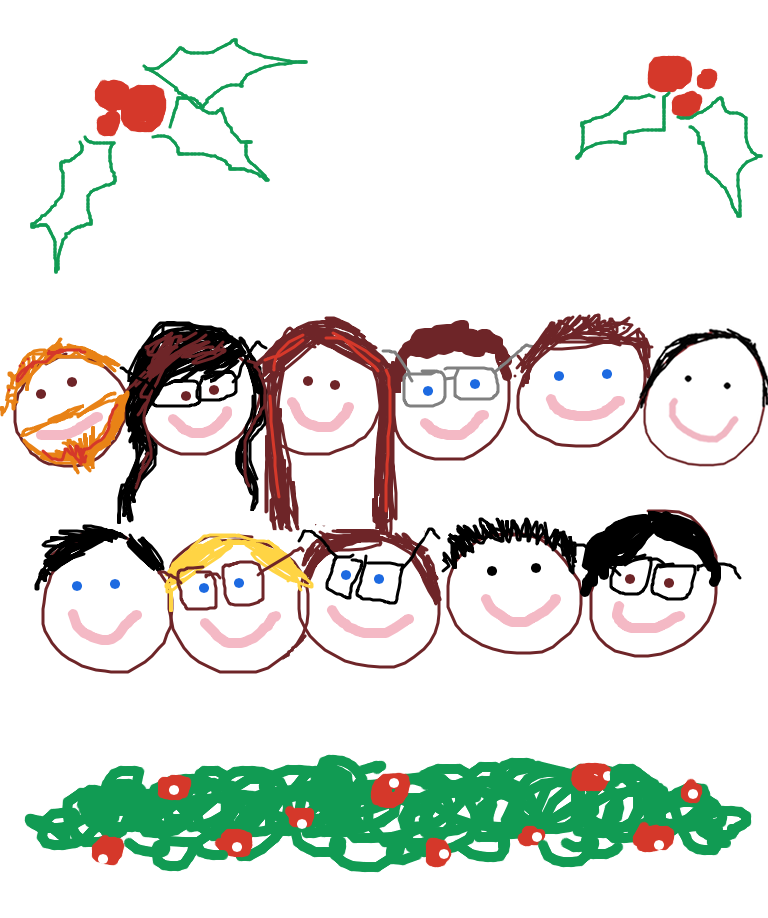
Need a bit of inspiration to get started? With the holidays just around the corner, it's a great time to send a handmade, festive greeting:


Or, perhaps your wit is better-expressed pictorially than textually. Use scribbles to send original comics to your friends, or generate a new meme:
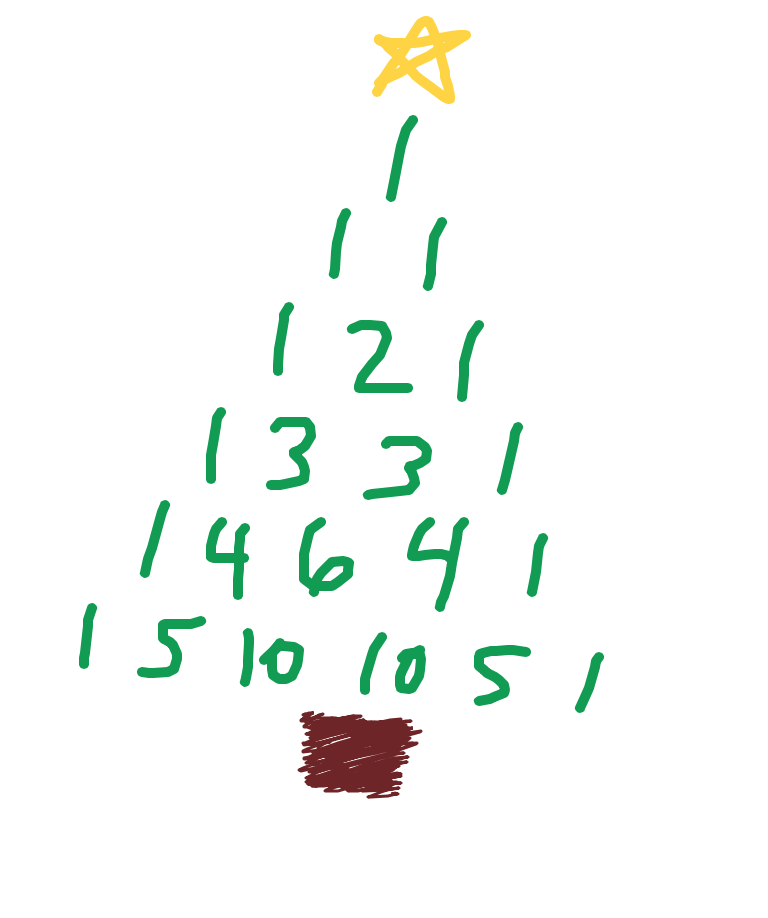
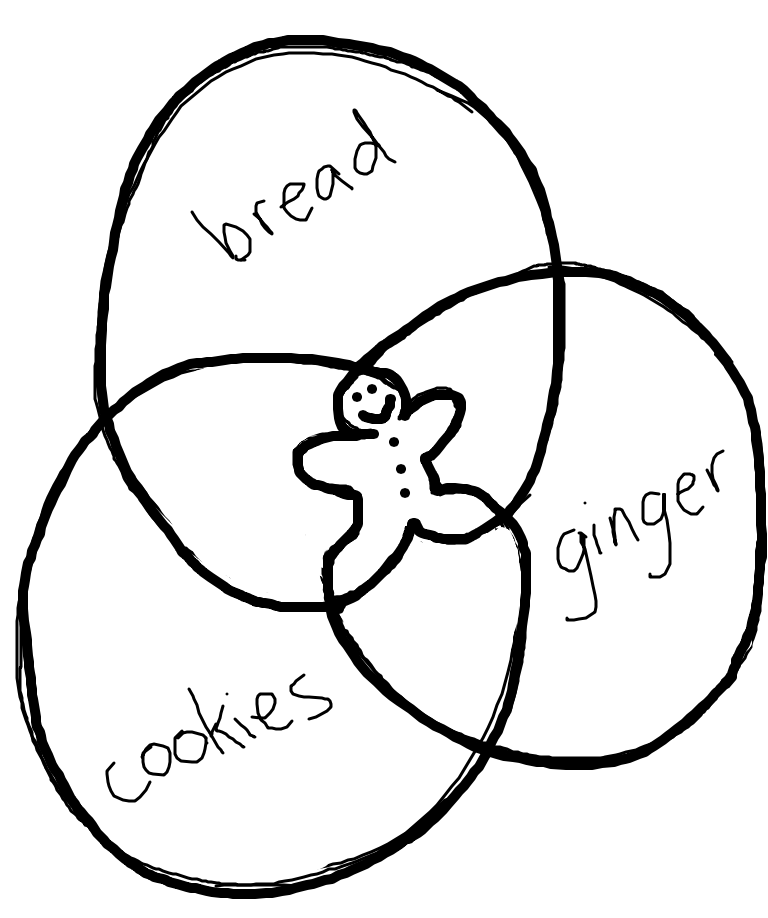
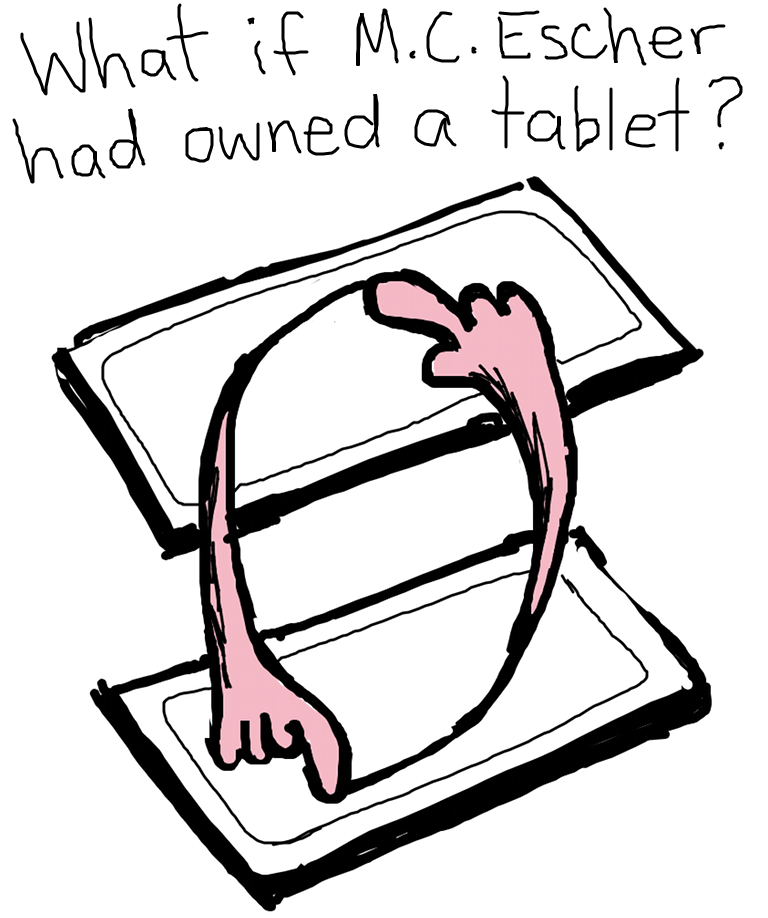
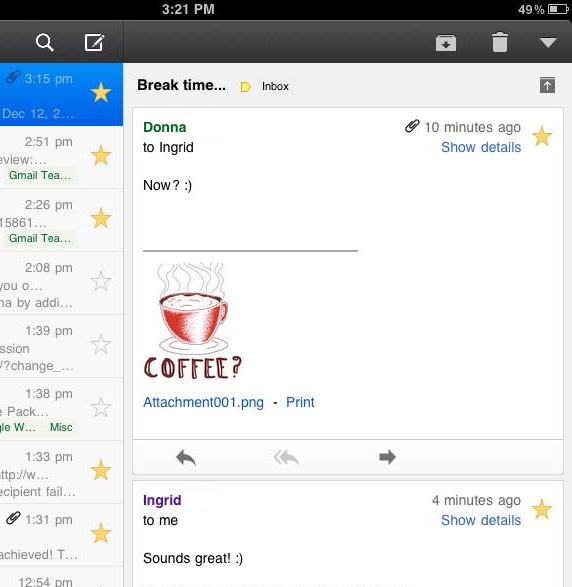
Simple requests are that much more appealing from someone who puts in a bit of effort:

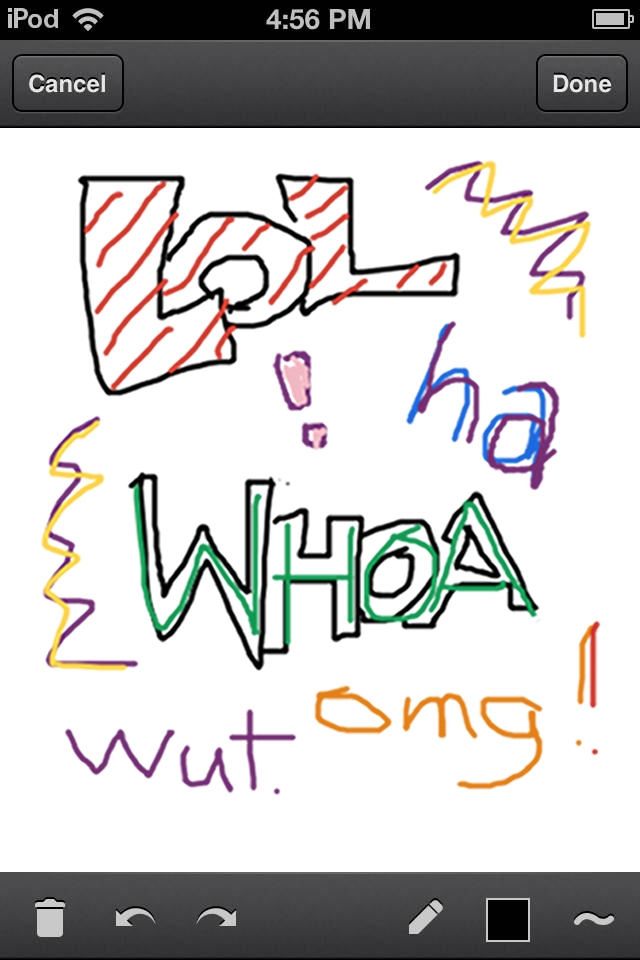
It’s also great for simply emoting beyond the limitations of plain text:

At the end of the day, it's a blank canvas. What do you want to share? To get started, head to mail.google.com on your iOS 4+, Android 3.1+ or Playbook device, or download the Gmail app for iOS from the App Store today.

We want to see what you can do! Send your scribbles to gmailscribbles@google.com and then share them with the world using #GmailScribbles.*

Brought to you by the Gmail team. Happy Holidays!

*By emailing your scribble to gmailscribbles@google.com, you give us your permission to upload, share or reproduce your scribble both digitally and physically. Unfortunately, we will not be able to showcase all submitted scribbles, and will have to pick and choose amongst the ones that we receive. Remember: have fun and be cool about it - nothing offensive and nothing that violates the law. Thanks!

Saturday, December 17, 2011

Ho-ho-hold the phone: Santa’s on the line

Last year, Santa got his very own Google Voice number, and people around the U.S. received a special personalized holiday phone call from Santa Claus.

This year, Santa wants you to reach out to him (after all, reindeer are only so-so conversationalists). If you or your family members have a special request for Santa, you can call him right from Gmail* and leave him a message at his Google Voice number: 855-34-SANTA. Santa won't be able to return messages himself—it’s a busy time of year for him—but he's promised to keep us up to date on happenings in the North Pole day by day.

You also can create and send a unique, customized phone call from Santa to anyone you know, from your nieces and nephews to old college friends, over the phone (to U.S. numbers only). Listen to a sample phone call, and send a message of your own from SendaCallFromSanta.com.

Of course, Santa is never one to fall behind the technological times (word on the street is that Rudolph’s nose was recently upgraded to an energy-efficient LED). So while the red suit may never go out of style, this year Santa has come up with an extra special way to spread the holiday cheer. But you’ll have to wait until it’s closer to Christmas to find out what it is. So no peeking—but keep checking the site!

Happy Holidays from your friends at Gmail.

*Calls from Gmail are free for U.S. and Canadian users, but will cost people outside those areas $.01/minute (plus any applicable VATs).